
Sprite fields, sheets, clips, and frame events.
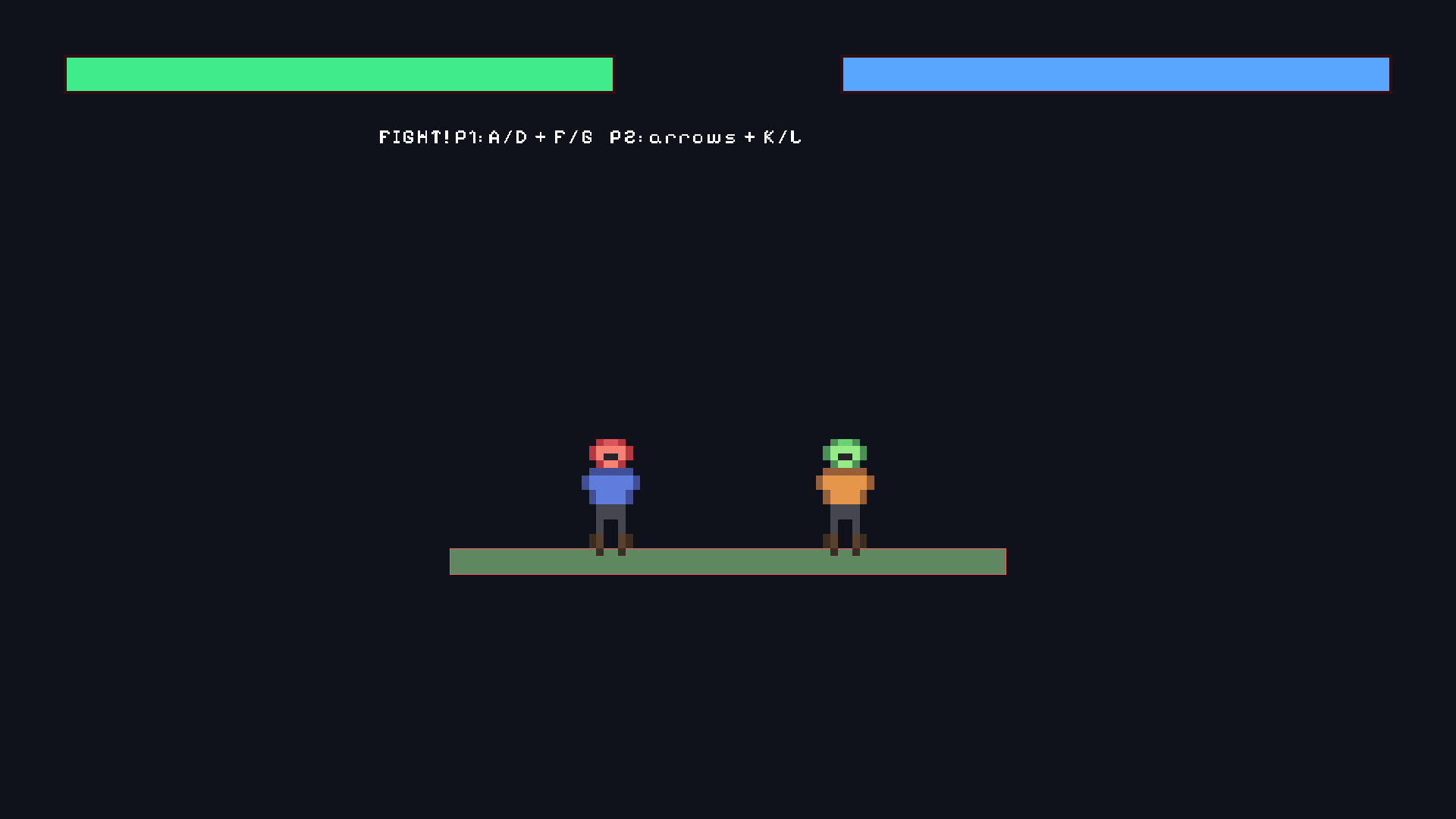
Sprites & animation
A sprite is a textured rectangle drawn in the world. This page explains what sprites are, every field you can set, how to stretch panels with nine-slice and clip art with masks, and how to play frame animation.
What a sprite is
Flat art in a game — heroes, tiles, crates, portraits — is drawn as a sprite: a rectangle that samples an image (the texture) and is placed in the world by the entity’s transform. The sprite decides which part of the image shows, how large it is in world units, and when it is drawn relative to other art.
Sprites exist because full 3D models would be wasteful for flat art, and because one texture can carry many frames (a sprite sheet) that animation can page through. In Skyforge, station signs, cargo icons, and 2D drones are all sprites.
Sprite fields
{
  "Sprite": {
    "texture": "asset://sprites/hero",
    "source_position": [0, 0],
    "source_size": [32, 32],
    "size": [1, 1],
    "pivot": [0.5, 0],
    "flip_x": false,
    "flip_y": false,
    "color": [1, 1, 1, 1],
    "layer": "characters",
    "sorting_order": 10,
    "material": "asset://materials/additive",
    "nine_slice": [[2, 2], [2, 2]],
    "mask_offset": [0, 0],
    "mask_size": [1, 1]
  }
}| Field | Meaning | Typical value |
|---|---|---|
texture | Asset URI of the image to sample. | asset://sprites/hero |
source_position / source_size | Sub-rectangle of the texture: [x, y] and [w, h]. Use them to pick one frame out of a sheet. | [0, 0] / [32, 32] |
source_normalized | Interpret the source rectangle in 0…1 coordinates instead of pixels. | false |
size | [w, h] the sprite occupies in world units. | [1, 1] |
pivot | Where the entity origin sits inside the sprite, [0..1, 0..1] of the sprite extent. [0.5, 0] is bottom-center — ideal for characters standing on the floor. | [0.5, 0.5] |
flip_x / flip_y | Mirror the art horizontally or vertically. | Flip X for facing left |
color | RGBA tint and alpha, each 0 to 1. | [1, 1, 1, 1] |
layer | Render layer name, part of the draw-order chain. | characters |
sorting_order | Integer order inside the layer. Higher draws later (on top). | 10 |
material | Optional material asset for custom blending (additive glow, outline). | asset://materials/additive |
nine_slice | [[left, top], [right, bottom]] border widths for stretchable panels. | [[2, 2], [2, 2]] |
mask_offset / mask_size | Clip the sprite to a sub-rectangle (see below). | [0, 0] / [1, 1] |
Transparent art needs alpha in the source image (PNG recommended). Opaque backgrounds look like boxes in play.
Sprites from Lua
local Sprite2D = require("demi.sprite2d")

Sprite2D.set_color(id, { 1, 0.4, 0.4, 1 })
Sprite2D.set_flip(id, true, false)
Sprite2D.set_size(id, 1.5, 1.5)
Sprite2D.set_layer(id, "characters")
Sprite2D.set_sorting_order(id, 20)
Sprite2D.set_material(id, "asset://materials/additive")

Sprite2D.play_animation(id, "run")
Sprite2D.pause_animation(id)
Sprite2D.resume_animation(id)
local clip = Sprite2D.current_animation(id)| Call | Arguments | Returns |
|---|---|---|
set_color | id, RGBA table {r, g, b, a} 0 to 1 | Nothing. Multiplies the sprite tint and alpha. |
set_flip | id, flip_x, flip_y booleans | Nothing. Mirrors the art. |
set_size | id, width, height world units | Nothing. Rescales the quad. |
set_layer | id, layer name | Nothing. Moves the sprite in the draw-order chain. |
set_sorting_order | id, integer | Nothing. Changes order within the layer. |
set_material | id, material asset URI | Nothing. Applies the material; pass nil to clear. |
play_animation | id, clip name | Nothing. Starts that clip from the beginning. |
pause_animation / resume_animation | id | Nothing. Freezes or continues the current clip. |
current_animation | id | Current clip name as a string, or nil when no clip is playing. |
Nine-slice panels
A dialog frame drawn as one stretched image warps its rounded corners into smears. Nine-slice splits the art into nine regions — four corners kept unscaled, four edges stretched in one direction, one center stretched in both — so borders stay crisp at any size.
{
  "Sprite": {
    "texture": "asset://ui/panel",
    "size": [4, 1.2],
    "nine_slice": [[8, 8], [8, 8]]
  }
}size[4, 1.2]is the stretched world extent of the panel.nine_slice[[8, 8], [8, 8]]gives left/top and right/bottom border widths in texture pixels.- Corner patches stay 8×8 pixels; edges and the center stretch to fill the rest. Nothing is returned — this is authored data.
Use nine-slice for Skyforge dialog frames, inventory slots, and any UI panel whose size is not fixed.
Masks
mask_offset and mask_size crop the sprite to a sub-rectangle of its own extent. Shrinking mask_size on X reveals less of a bar from the left — perfect for health bars without a separate shader.
{
  "Sprite": {
    "texture": "asset://ui/health_bar",
    "size": [2, 0.25],
    "mask_offset": [0, 0],
    "mask_size": [1, 1]
  }
}mask_offset[0, 0]anchors the visible window at the sprite’s lower-left.mask_size[1, 1]shows the full sprite; set[0.6, 1]to show 60% of the width.- Both values are fractions of the sprite extent (0 to 1). Drive them from gameplay to animate the fill.
Use masks for health and fuel bars, portrait frames, minimap windows, and tutorial progress strips.
Frame animation: clips
SpriteAnimator2D pages through frames of the sprite’s texture. The explicit clips form names each animation and points at a run of frames.
{
  "SpriteAnimator2D": {
    "frame_size": [32, 32],
    "clips": {
      "idle": { "start_frame": 0, "frame_count": 4, "fps": 8, "loop": true },
      "run":  { "start_frame": 4, "frame_count": 6, "fps": 12, "loop": true,
                "events": [{ "time": 0.5, "name": "footstep" }] }
    }
  }
}| Field | Meaning |
|---|---|
frame_size | [w, h] of one frame in texture pixels. |
clips | Map of clip name to clip settings. |
start_frame | First frame index of the clip. Frames count left-to-right across the sheet, row by row. |
frame_count | How many frames the clip plays. |
fps | Playback rate in frames per second. |
loop | Optional. true repeats the clip; omitted clips stop on the last frame. |
events | Optional list of { time, name } markers (see below). |
Frame animation: atlas
When the sheet is a strict grid and every row is one animation, the atlas form writes the clip table for you.
{
  "SpriteAnimator2D": {
    "atlas": {
      "columns": 8,
      "rows": 3,
      "row_names": ["idle", "run", "jump"],
      "fps": 12,
      "loop": true
    }
  }
}columnsandrowsdescribe the grid of frames in the texture.row_namesnames each generated clip — row 0 becomesidle, row 1run, and so on.fpsandloopapply to every generated clip.- Explicit
clipsentries override generated rows with the same name when both are present.
Choose clips when frames come from several places or need different rates. Choose atlas when the sheet is a uniform grid of named rows.
Frame events
Footsteps, dust puffs, and hit sparks must fire on the right frame, not on a timer in gameplay code. Clip events mark normalized times inside a clip.
local Events = require("demi.events")

Events.subscribe("sprite_animation", function(e)
    -- e.entity_id  the animated sprite
    -- e.clip       clip name that fired
    -- e.name       event name, for example "footstep"
    -- e.frame      frame index at the time of the event
    if e.name == "footstep" then
        local Audio = require("demi.audio")
        Audio.play("asset://audio/step", { bus = "sfx" })
    end
end)Events.subscriberegisters the handler and returns a subscription value; the handler receives one payload table.timein the clip definition is 0 to 1 across the clip.0.5on a 6-frame clip fires as playback crosses the middle.- The payload’s
entity_id,clip,name, andframelet one handler service many markers.
Sorting order and layers
Overlapping sprites need a predictable draw order. DemiEngine sorts in three passes:
sorting_order(integer, higher on top)layername- Isometric depth (for iso placement, see Isometric grid)
Practical setup for a 2D game:
| Layer | Contents |
|---|---|
background | Parallax sky, distant stations |
world | Tilemap tiles and props |
characters | Heroes, drones, crates |
effects | Particles, flashes |
ui | Bars and markers drawn in world space |
Keep layers few and use sorting_order inside a layer for local details (a held item above the character). Debug overlay draw_order shows the resolved chain when something hides behind the wrong art.
Going further
- Sprites pair naturally with Tilemaps for large levels.
- Parameter-driven clip switching with transitions lives in State machines.
- Footstep markers are the usual place to trigger sounds from Audio mixing.
- Attack frames that should deal damage use timed collision windows instead of frame events alone.